Follow these steps to download and install Downlix on your Windows or Mac computer:
1. Download Downlix
Click the Free Download button for your system and wait for the file to finish downloading. On a Mac, the download page picks the build for your Mac’s chip (Apple or Intel) and links to both.
2. Install Downlix on Windows
Open the downloaded Downlix installer (usually in your Downloads folder). Click Yes if Windows asks for permission, accept the license agreement, choose an installation folder (or keep the default), and click Install. When the installation finishes, click Finish.
Open Downlix from the Start Menu or the desktop shortcut.
3. Install Downlix on Mac
Open the downloaded Downlix .dmg file (usually in your Downloads folder), then drag Downlix into the Applications folder. Open Downlix from Applications or Launchpad.
4. Start Using Downlix
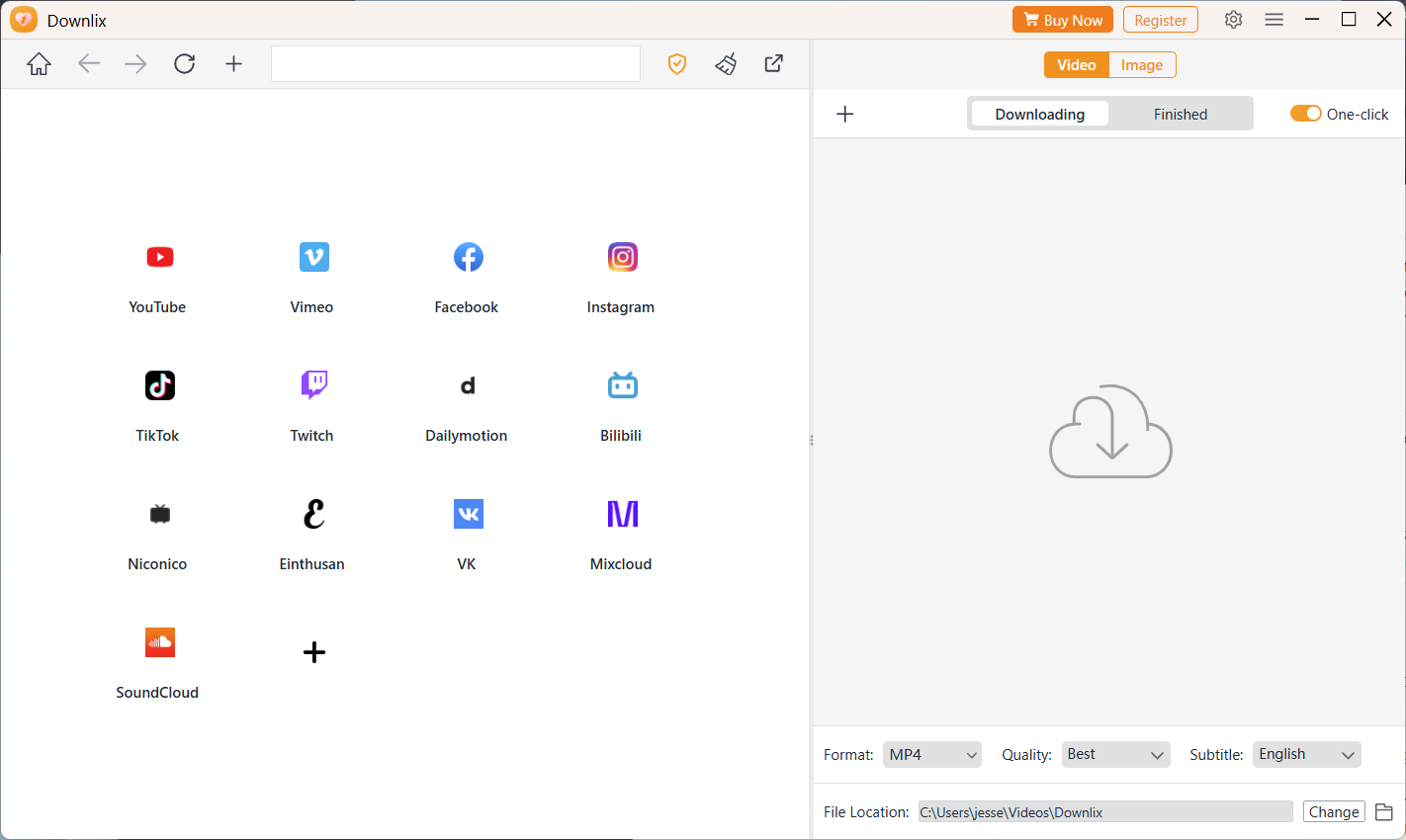
Downlix opens with its built-in browser on the left and your downloads on the right. Pick a site from the home page, or type an address into the address bar, and start downloading.